پیژندنه
Welcome to the user manual for your new Xiaomi Smart TV X Pro QLED Series 65. This guide provides essential information for setting up, operating, maintaining, and troubleshooting your television. Please read this manual thoroughly before using your TV to ensure optimal performance and safety.
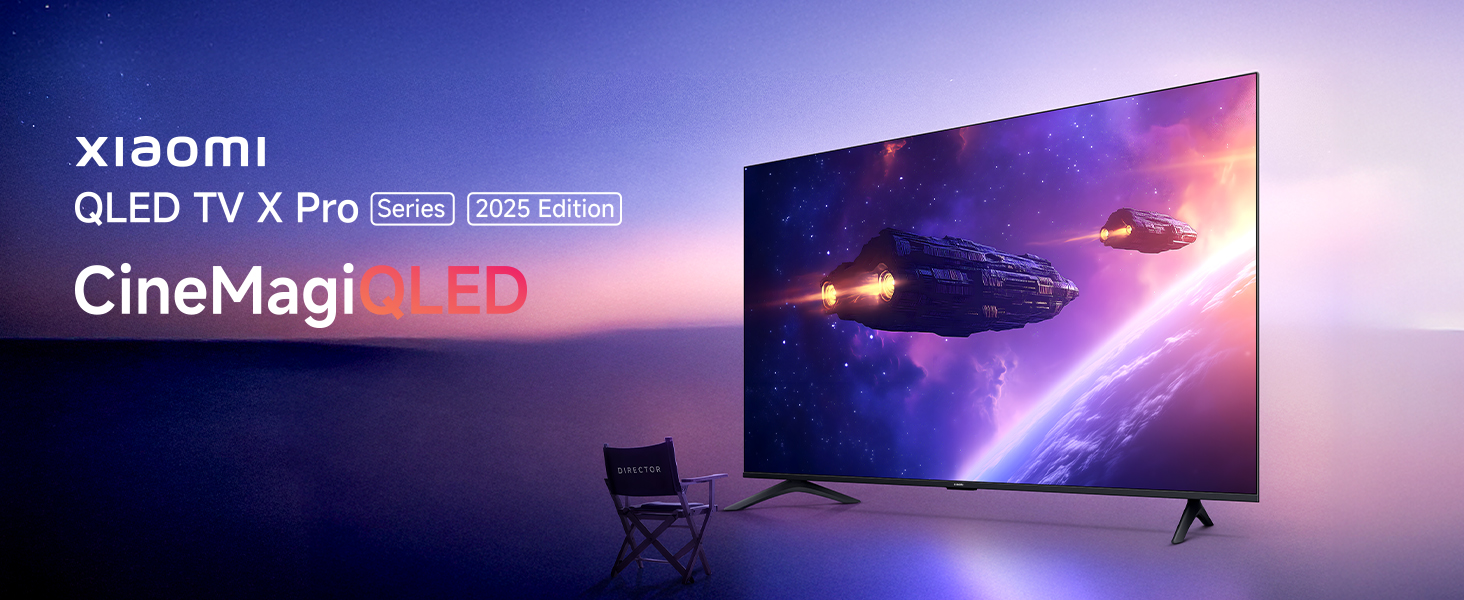
Image: Xiaomi QLED TV X Pro Series 2025 Edition, showcasing the TV's design and vibrant display.

Image: The Xiaomi Smart TV X Pro QLED Series 65 featuring an all-screen display and premium metal bezel-less design.
د خوندیتوب معلومات
Always adhere to the following safety precautions to prevent damage to the TV and ensure personal safety:
- تلویزیون باران یا رطوبت ته مه ښکاره کوئ.
- ډاډ ترلاسه کړئ چې د تلویزیون شاوخوا مناسب هوا ورکول.
- د اخبارونو، مېز پوښاکونو، یا پردې په څېر شیانو سره د هوا د جریان لارې مه بندوئ.
- Avoid placing the TV near heat sources such as radiators, heat registers, stoves, or other apparatus (including ampلایفیر) چې تودوخه تولیدوي.
- د بریښنا تار د چلولو یا پنچ کیدو څخه خوندي کړئ، په ځانګړې توګه په پلګونو، د اسانتیاو استخراج، او هغه ځای چې دوی د وسایلو څخه وځي.
- یوازې د جوړونکي لخوا مشخص شوي ضمیمې / لوازم وکاروئ.
- دا آله د بریښنا د طوفانونو په جریان کې یا کله چې د اوږدې مودې لپاره نه کارول کیږي خلاص کړئ.
- ټول خدمتونه وړ خدمت پرسونل ته راجع کړئ.
په بکس کې څه دي
Upon unpacking, please verify that all components listed below are present:

Image: Diagram showing the contents of the TV box, including the TV unit, remote control, user manual, stands, AAA batteries, screws, and power cord.
- ۱ د LED تلویزیون واحد
- 1 ریموٹ کنټرول
- 2 Stands Unit
- 2 x AAA بیټرۍ
- 1 د بریښنا تار
- د موقف مجلس لپاره پیچ
چمتو کول
1. فزیکي نصب کول
Your Xiaomi Smart TV X Pro QLED Series 65 can be installed on a stand or wall-mounted. Ensure the TV is placed on a stable, level surface or securely mounted to a wall using a compatible VESA mount (sold separately).

انځور: مخکینۍ برخه view of the Xiaomi Smart TV X Pro QLED Series 65, illustrating its slim bezels and stand.

Image: Technical drawing showing the dimensions (width, height, depth) and weight of the Xiaomi Smart TV X Pro QLED Series 65.
د سټینډونو نښلول:
- د تلویزیون سکرین په احتیاط سره په نرم او فلیټ سطح کې کیږدئ ترڅو د زیان مخه ونیول شي.
- هر سټینډ د تلویزیون په ښکته برخه کې د اړوندو سلاټونو سره سم کړئ.
- د چمتو شوي پیچونو په کارولو سره سټینډونه خوندي کړئ.
2. د پردیو نښلول
تلویزیون د بهرنیو وسیلو سره د نښلولو لپاره مختلف پورټونه وړاندې کوي:

انځور: شاته view of the Xiaomi Smart TV X Pro QLED Series 65, highlighting the various input and output ports.
- HDMI بندرونه: Connect gaming consoles, Blu-ray players, set-top boxes. The TV features 3 HDMI ports, including eARC support for enhanced audio return.
- USB پورټونه: د میډیا پلې بیک لپاره USB ډرایوونه وصل کړئ. تلویزیون دوه USB پورټونه لري.
- ایترنیټ پورټ: د تار لرونکي انټرنیټ اتصال لپاره.
- د نظري آډیو محصول: د بهرني آډیو سیسټمونو سره د نښلولو لپاره.
- د انتن/کیبل داخلول: د انتن یا کیبل تلویزیون د نښلولو لپاره.

Image: Graphic illustrating the TV's advanced connectivity options, including HDMI 2.1, ALLM, Bluetooth 5.0, and Dual-band Wi-Fi.
۳. د بریښنا پیل او د شبکې تنظیم
- د بریښنا کنډک تلویزیون او د بریښنا سایټ سره وصل کړئ.
- په ریموټ کنټرول یا تلویزیون کې د بریښنا تڼۍ فشار ورکړئ.
- د لومړني تنظیم بشپړولو لپاره په سکرین کې لارښوونې تعقیب کړئ، پشمول د ژبې انتخاب، هیواد، او د شبکې اتصال.
- For Wi-Fi, select your network and enter the password. For wired connection, ensure the Ethernet cable is connected.
- د ګوګل تلویزیون ځانګړتیاو ته د لاسرسي او ایپس ډاونلوډ کولو لپاره د خپل ګوګل حساب سره لاسلیک وکړئ.
ستاسو د تلویزیون چلول
1. د ریموټ کنټرول افعالونه
The included remote control provides easy access to all TV functions:
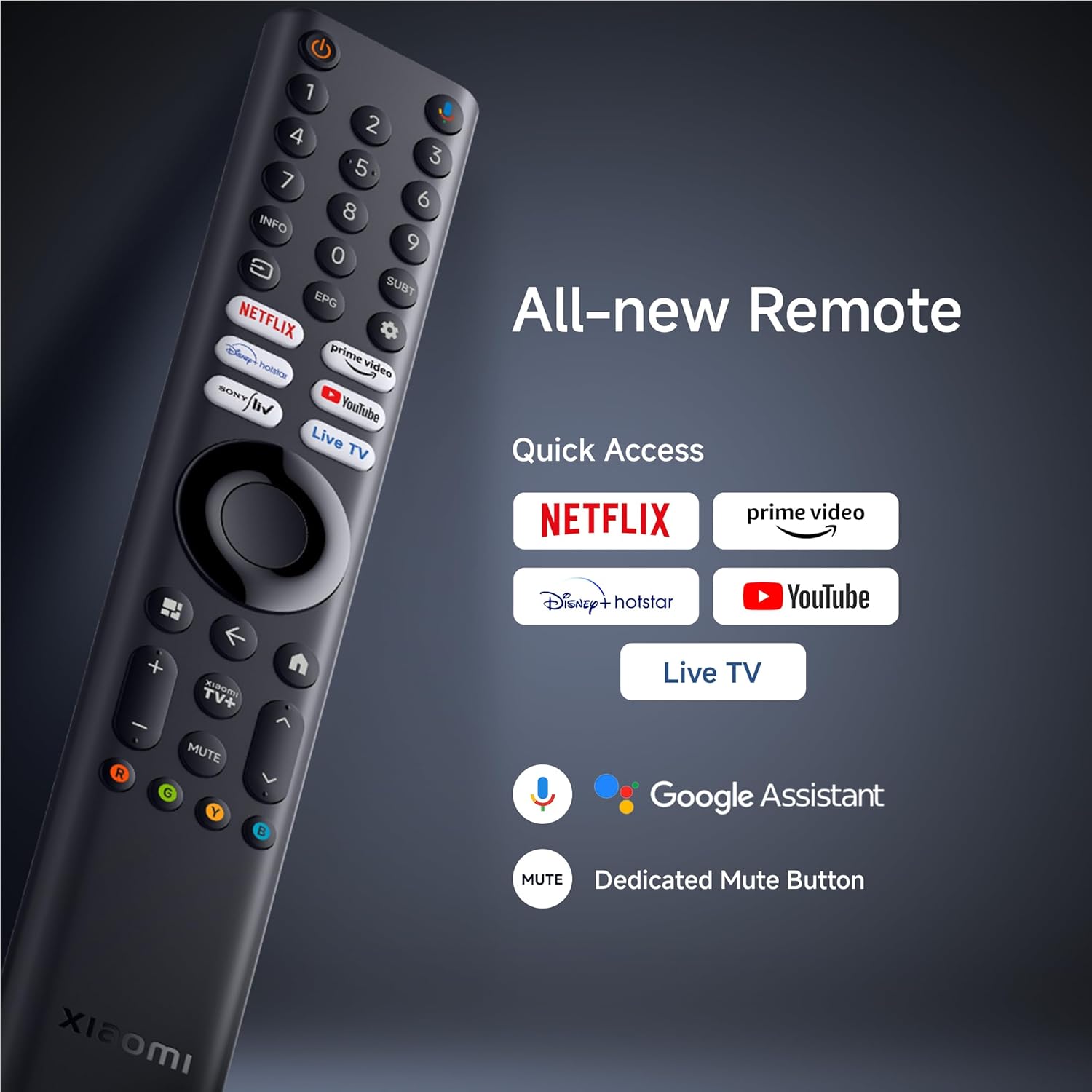
انځور: تفصیلي view of the Xiaomi Smart TV remote control, highlighting quick access buttons for streaming services and the Google Assistant button.
- د بریښنا تڼۍ: تلویزیون چالان یا بند کړئ.
- د ګوګل مرستیال تڼۍ: د غږ امرونه فعالوي.
- د نیویګیشن پیډ: د مینو نیویګیشن لپاره.
- د چټک لاسرسي تڼۍ: Dedicated buttons for Netflix, Prime Video, YouTube, and Live TV.
- د حجم/چینل تڼۍ: حجم تنظیم کړئ او چینلونه بدل کړئ.
- تteۍ غږول: Dedicated button to mute audio.
2. Smart TV Features (Google TV & PatchWall)
Your TV runs on Google TV, offering a personalized content experience, and also features Xiaomi's PatchWall for curated recommendations.

Image: Screenshot of the PatchWall interface, showing customized recommendations and content curation.

Image: Display showing the 32GB internal storage and various streaming applications available on the Xiaomi Smart TV.
- ګوګل تلویزیون: Access a vast library of apps, movies, and shows from the Google Play Store.
- د Chromecast جوړ شوی: له خپل سمارټ فون یا ټابلیټ څخه مستقیم مواد کاسټ کړئ.
- د ایپل ایر پلی ۲: د ایپل وسیلو څخه مینځپانګې جریان کړئ.
- داخلي ذخیره: 32GB ROM for apps and data.

Image: Illustration demonstrating the ability to stream content from a smartphone to the Xiaomi Smart TV using Google Cast or Apple AirPlay 2.
3. د انځور ترتیبات
خپل اصلاح کړئ viewing experience with the TV's advanced display technologies:
- د QLED ښودنه: Quantum Dot technology for vibrant colors and high contrast.
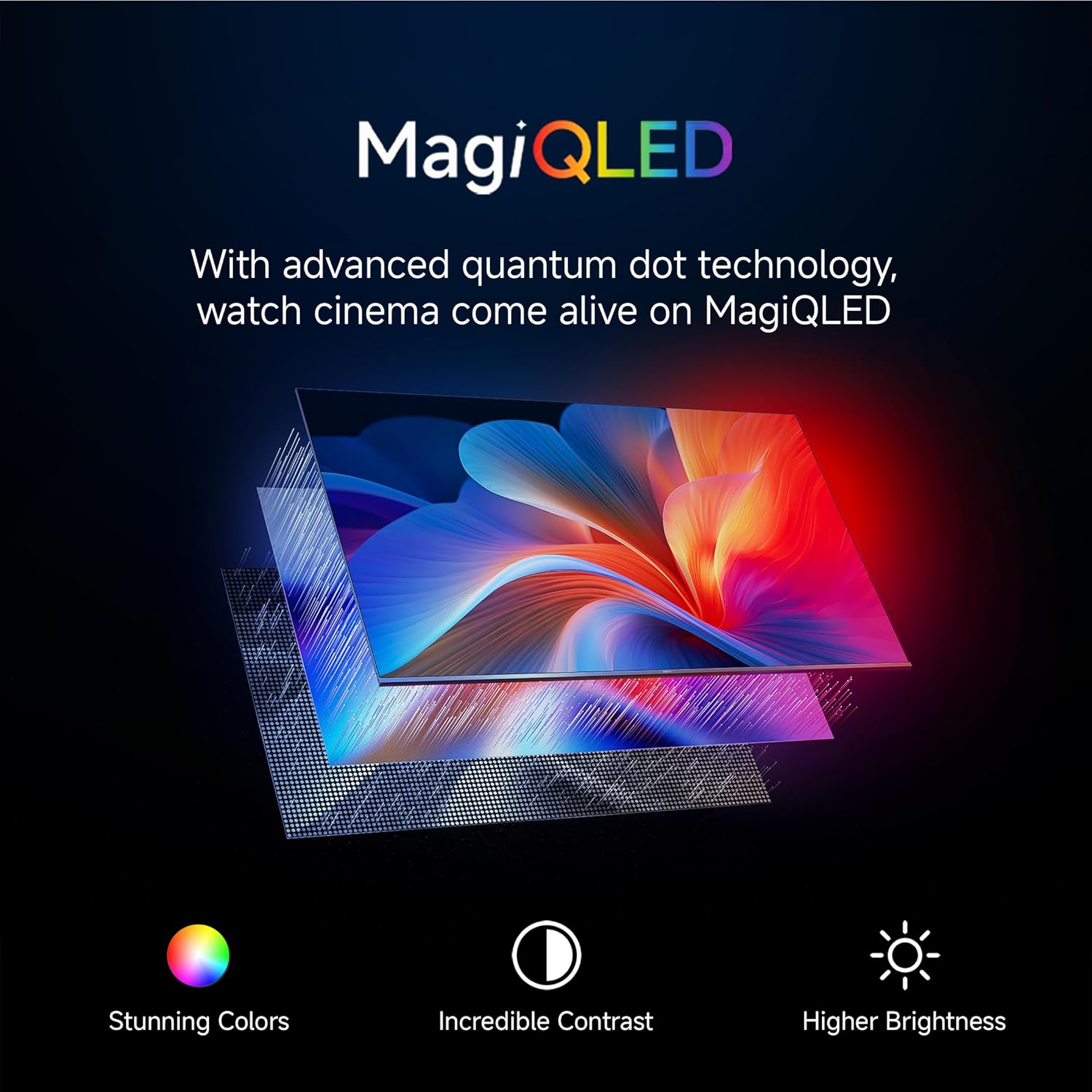
Image: Explanation of MagiQLED technology, highlighting stunning colors, incredible contrast, and higher brightness.
- د 4K الټرا HD ریزولوشن: Four times the detail of Full HD for crystal clear clarity.

Image: Side-by-side comparison of HD and 4K resolution, demonstrating the enhanced detail of 4K.
- HDR10+ او ډولبي ویژن: Enhanced dynamic range for brighter whites, darker blacks, and more vivid colors.

Image: Comparison showing the effect of HDR10+ on image quality, enhancing dynamic range and color.

Image: Illustration of Dolby Vision dynamically optimizing image quality frame by frame.
- د فلم جوړونکي حالت: Preserves the original aspect ratio, colors, and frame rates to deliver the director's artistic intent.

Image: Scene depicting Filmmaker Mode, which removes post-processing to show content as intended by the director.
- د سترګو پاملرنې حالت: Reduces blue light and flicker for a more comfortable viewتجربه

Image: Scene illustrating the benefits of Eye Care Mode, providing flicker-free visuals and reduced blue light.
4. د غږ تنظیمات
Experience immersive audio with the TV's sound features:
- 34W Box Speakers: Powerful audio output.

Image: Graphic highlighting Cinematic Audio features, including 34W Box Speakers, Dolby Audio, DTS-X, and DTS Virtual:X.
- Dolby Audio, DTS-X, DTS Virtual:X: Advanced audio technologies for a rich, multi-dimensional sound experience.
- Xiaomi Sound: Preset audio configurations optimized by experts.

Image: Scene depicting Xiaomi Sound, a tailored audio configuration for an enhanced listening experience.
۵. د لوبو ځانګړتیاوې
د وقف شویو ځانګړتیاو سره خپل د لوبو تجربه ښه کړئ:
- 120Hz Game Booster: Automatically boosts refresh rate to 120Hz for ultra-low latency and smoother gameplay.

Image: Comparison showing the difference between 60FPS and 120FPS with the 120Hz Game Booster for smoother gaming.
- ALLM (د اتومات ټیټ ځنډ حالت): د ډیر ځواب ویونکي لوبې تجربې لپاره د ان پټ لیګ کموي.
ساتنه
Proper care and maintenance will extend the life of your TV:
- د سکرین پاکول: د نرم، لینټ نه پاک ټوکر څخه کار واخلئ چې په ځانګړي ډول د برقیاتو لپاره ډیزاین شوی. د کثافاتو پاکونکي یا محلولونه مه کاروئ. په نرمۍ سرهampکه اړتیا وي، ټوکر په اوبو سره ومینځئ، او په نرمۍ سره سکرین پاک کړئ.
- د چوکاټ پاکول: د تلویزیون چوکاټ او سټینډ پاکولو لپاره نرم، وچ ټوکر وکاروئ.
- وینټیلیشن: ډاډ ترلاسه کړئ چې د تلویزیون په شا کې د هوا د تودوخی دروازې بندې نه وي ترڅو د ډیر تودوخې مخه ونیول شي.
- د بریښنا تار: د بریښنا تار په منظم ډول د کوم زیان لپاره وګورئ. که زیانمن شوی وي، د خدماتو پرسونل سره اړیکه ونیسئ.
د ستونزو حل کول
که تاسو په خپل تلویزیون کې ستونزې سره مخ شئ، لاندې عامې ستونزې او حل لارې وګورئ:
| ستونزه | احتمالي لامل | د حل لاره |
|---|---|---|
| هیڅ ځواک نشته | د برېښنا تار پرې شوی؛ د برېښنا د رسولو ستونزه. | ډاډ ترلاسه کړئ چې د برېښنا تار په خوندي ډول وصل دی. وګورئ چې د برېښنا ساکټ کار کوي که نه. |
| انځور نشته، خو غږ شته | د ننوتلو ناسمه سرچینه؛ د ښودلو ترتیباتو ستونزه. | Verify the correct input source is selected. Check picture settings. |
| غږ نشته، خو انځور شته | Volume muted or too low; audio output settings. | Increase volume. Check if TV is muted. Verify audio output settings (e.g., internal speakers vs. external). |
| ریموټ کنټرول کار نه کوي | Batteries depleted; obstruction; remote not paired. | Replace batteries. Remove obstructions. Re-pair the remote control if it's a Bluetooth remote. |
| د وائی فای اتصال مسلې | غلط پټنوم؛ د روټر ستونزې؛ د سیګنال مداخله. | د وای فای پټنوم بیا دننه کړئ. خپل روټر بیا پیل کړئ. تلویزیون روټر ته نږدې کړئ یا مداخله کمه کړئ. |
| Smart TV apps are slow or unresponsive | Insufficient memory; network issues; app malfunction. | Close unused apps. Check internet speed. Clear app cache or reinstall the app. Restart the TV. |
که چیرې د دې حلونو هڅه کولو وروسته هم ستونزه دوام ومومي، مهرباني وکړئ د Xiaomi پیرودونکو ملاتړ سره اړیکه ونیسئ.
مشخصات
Detailed technical specifications for the Xiaomi Smart TV X Pro QLED Series 65 (L65MB-APIN):
| فیچر | تفصیل |
|---|---|
| برانډ | XIAOMI |
| ماډل | د L65MB-APIN معرفي کول |
| د ماډل نوم | د QLED لړۍ |
| د ماډل کال | 2025 |
| د سکرین اندازه | ۷۸۷ انچه |
| ټیکنالوژي ښکاره کول | QLED |
| قرارداد | 4K الټرا ایچ ډي (3840 x 2160) |
| د تازه کولو نرخ | 60 Hz & DLG 120Hz |
| عملیاتي سیسټم | ګوګل تلویزیون |
| RAM | 2GB |
| داخلي ذخیره | 32 GB ROM |
| ارتباط | Bluetooth 5.0, Dual Band Wi-Fi, Ethernet, HDMI, USB |
| د HDMI بندرونه | 3 (HDMI 2.1, ALLM, eARC) |
| USB بندرونه | 2 |
| د آډیو تولید | 34 watts Output | Dolby Audio | DTS - X | DTS Virtual : X |
| ځانګړي ځانګړتیاوې | Bezel-Less Design, Chromecast, Eye Comfort Mode, Game Mode, Miracast, Reality Flow MEMC, Vivid Picture Engine 2, Wide Colour Gamut |
| د محصول ابعاد (LxWxH) | 39.1 x 144.5 x 90 سانتي متره |
| د توکي وزن | 19.9 کیلو ګرامه |
| جوړونکی | TTE Electronics India Private Limited Vikruthamala (Vil), Papanaidupeta(post), Yerpedu(mandal), Tirupati, Chittoor (Dist.) Andhra Pradesh, India - 517526., TTE Electronics India Pvt Ltd |
| د اصلي هیواد | هند |
تضمین او ملاتړ
Your Xiaomi Smart TV X Pro QLED Series 65 comes with a standard manufacturer's warranty. Please refer to the warranty card included in your packaging for specific terms and conditions.
For technical assistance, service requests, or warranty claims, please contact Xiaomi customer support. You can find contact details on the official Xiaomi website or through the support information provided with your product.
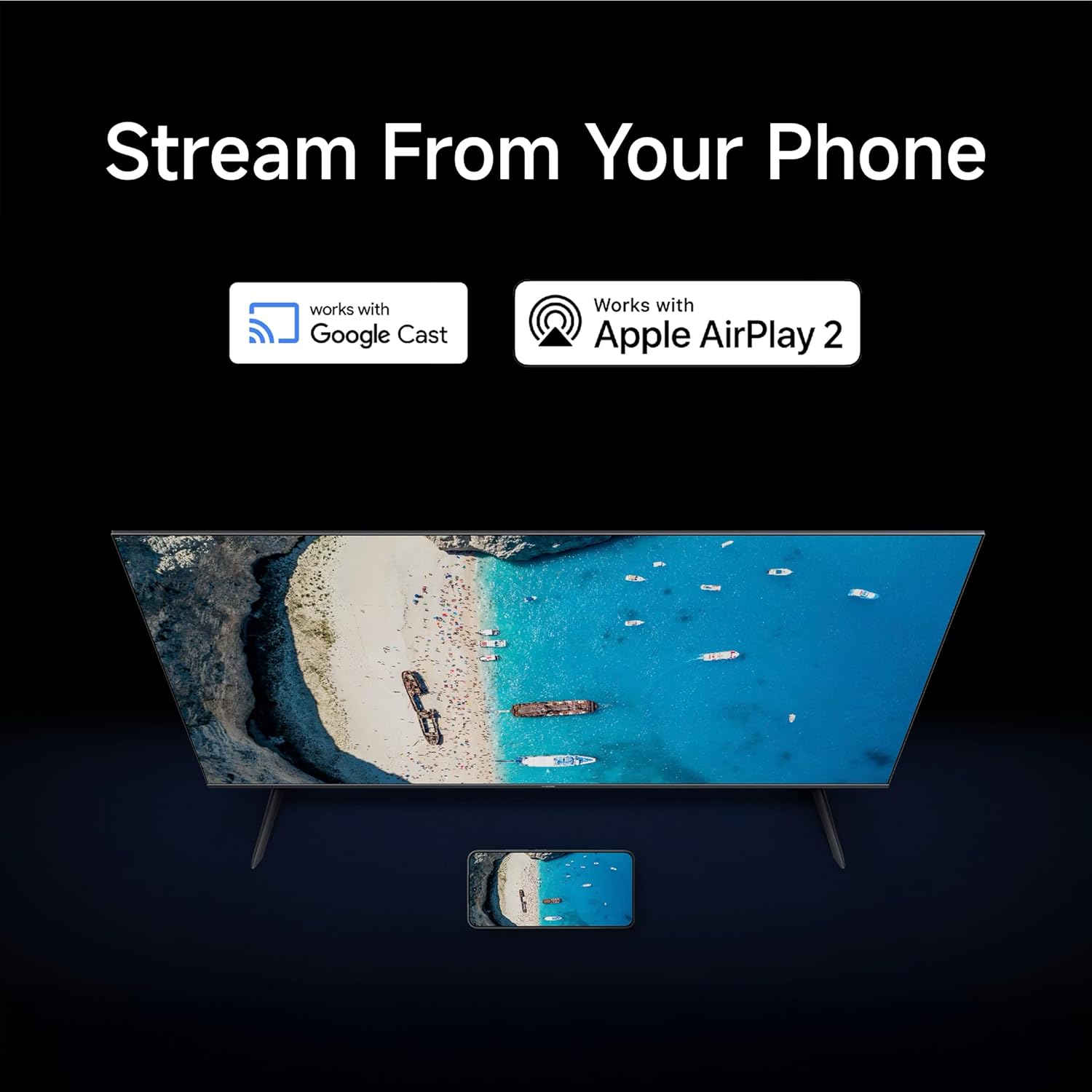
Image: Graphic detailing Xiaomi's support services, including quick installation, callback within 60 minutes, and doorstep service within 24 hours.
For more information, visit the official Xiaomi support page: Xiaomi India Support


