1. پیژندنه
This manual provides detailed instructions for the installation, operation, and maintenance of your Zebronics ZEB-WR3004G 4G/5G SIM Router. Please read this manual thoroughly before using the device to ensure proper functionality and safety. This router is designed to provide high-speed internet access using 4G or 5G nano SIM cards, featuring LAN/WAN auto-switching and WPA2-PSK security.
2. د خوندیتوب معلومات
- یوازې د وسیلې سره چمتو شوي بریښنا اډاپټر وکاروئ.
- روټر د اوبو، رطوبت، یا ډیرې تودوخې سره مه مخ کوئ.
- Avoid placing the router near heat sources or in direct sunlight.
- د روټر شاوخوا مناسب هوا ورکول ډاډمن کړئ ترڅو د ډیر تودوخې مخه ونیول شي.
- د وسیلې د خلاصولو یا ترمیم کولو هڅه مه کوئ. ټولې خدمتونه وړ پرسونل ته راجع کړئ.
- Keep the router away from children and pets.
3. د بسته محتويات
ډاډ ترلاسه کړئ چې ټول توکي په کڅوړه کې شتون لري:
- Zebronics ZEB-WR3004G Router
- د بریښنا اډاپټر
- د شبکې کیبل
- د کارونکي لارښود (دا لاسوند)
4. محصول ختم شوview
The Zebronics ZEB-WR3004G router is designed for reliable and high-speed internet connectivity. It features multiple external antennas for enhanced signal coverage and performance.
انځور: مخکینۍ برخه view of the Zebronics ZEB-WR3004G router, showcasing its sleek white design and external antennas.
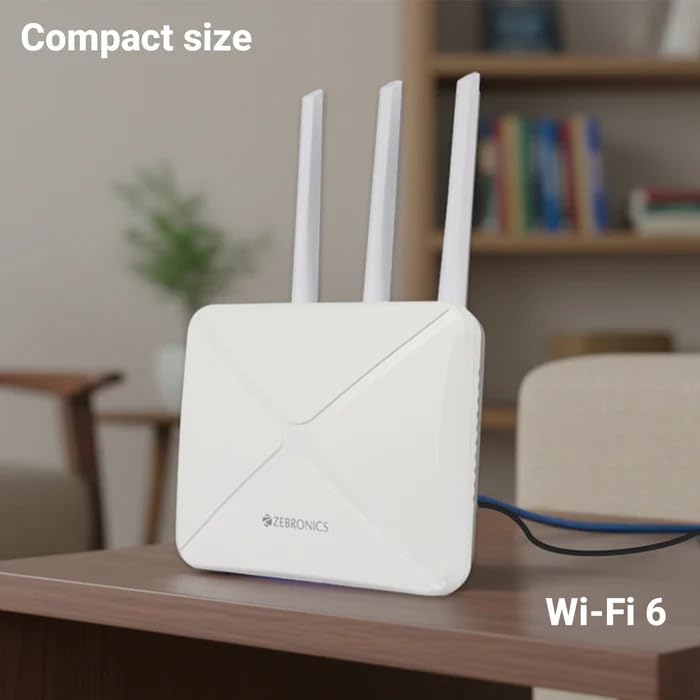
Image: The Zebronics ZEB-WR3004G router placed on a desk, illustrating its compact size and modern aesthetic.
۳.۳. بندرونه او شاخصونه
په خپل روټر کې د پورټونو او شاخصونو سره ځان بلد کړئ:
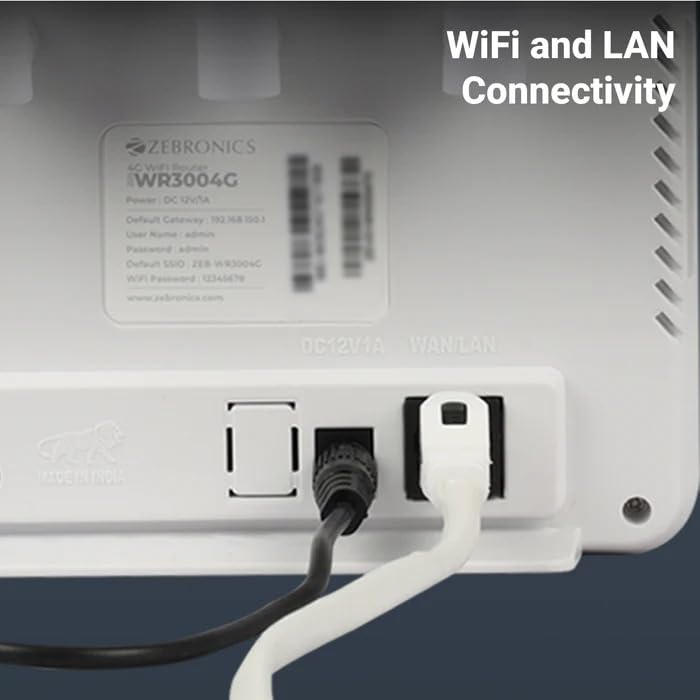
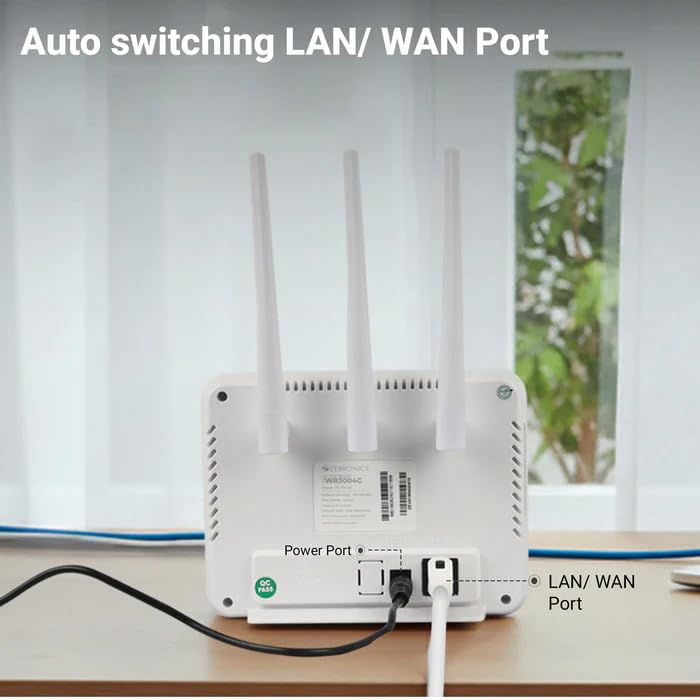
انځور: شاته view of the Zebronics ZEB-WR3004G router, highlighting the power port and the auto-switching LAN/WAN port.
- د بریښنا بندر: د بریښنا اډاپټر سره نښلوي.
- د LAN/WAN پورټ: An auto-switching port for connecting to a wired network or an external modem.
- د سیم کارت سلاټ: For inserting a nano SIM card.
- د بیا تنظیم تڼۍ: Used to restore factory default settings (usually a small pinhole button).
- د LED شاخصونه: Provide status information for power, internet connectivity, Wi-Fi, and signal strength.
5. ترتیب کول
5.1. د سیم کارت نصب کول
- ډاډ ترلاسه کړئ چې روټر بند دی.
- په روټر کې د سیم کارت سلاټ ومومئ.
- Insert a nano SIM card into the slot with the gold contacts facing down and the notched corner aligned correctly. Push until it clicks into place.
5.2. د بریښنا پیوستون
- Connect the supplied power adapter to the router's power port.
- د بریښنا اډاپټر په دیوال کې ولګوئ.
- The router will power on automatically. Wait for the LED indicators to stabilize, which may take a few minutes.
5.3. ابتدايي ترتیب
- وائی فای سره وصل کړئ: On your computer or mobile device, search for available Wi-Fi networks. The default Wi-Fi name (SSID) and password are usually printed on a label on the bottom of the router.
- Access Admin Panel: خلاص a web براوزر او د ډیفالټ ګیټ وی IP پته دننه کړئ (د مثال په توګه،
192.168.1.1) into the address bar. This IP address is also typically found on the router's label. - ننوتل: د کارونکي نوم او پټنوم اصلي بڼه دننه کړئ (د مثال په توګه،
adminfor both). It is highly recommended to change these default credentials immediately for security. - د شبکې ترتیبات: Follow the on-screen wizard or navigate to the network settings to configure your internet connection. The router should automatically detect the SIM card and establish a connection.
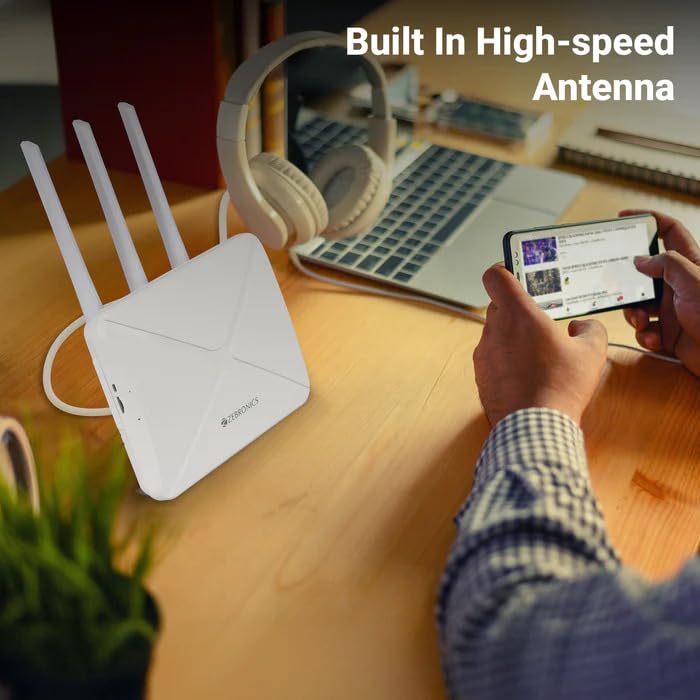
Image: The Zebronics ZEB-WR3004G router on a desk, emphasizing its built-in high-speed antenna system for optimal signal reception.
6. عملیاتي لارښوونې
6.1. د نښلولو وسیلې
- د وای فای اتصال: On your wireless devices (smartphones, laptops, tablets), select the router's Wi-Fi network name (SSID) and enter the Wi-Fi password.
- د LAN پیوستون: Use an Ethernet cable to connect devices like desktop computers, smart TVs, or gaming consoles to the LAN/WAN port on the router. The port automatically switches to LAN mode when a device is connected.
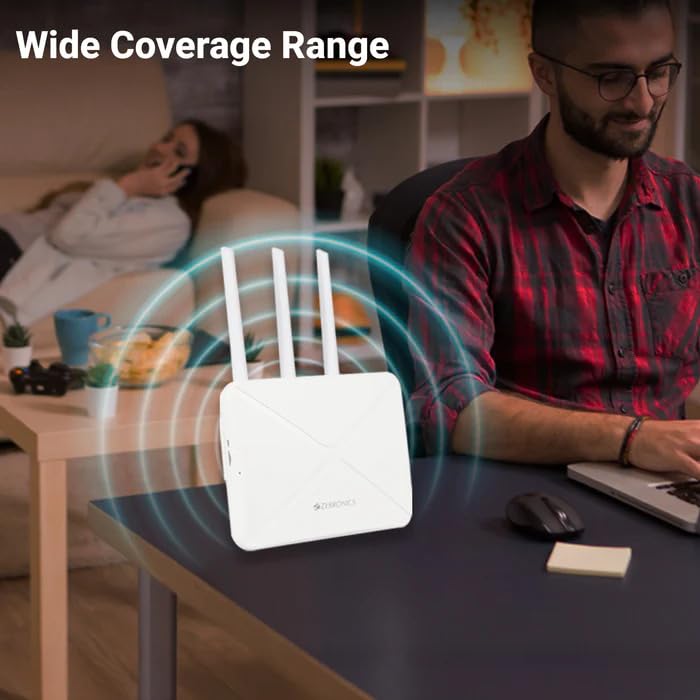
Image: The Zebronics ZEB-WR3004G router emitting a wide coverage range, indicating its ability to provide internet across a large area.
6.2. د روټر ترتیبات
روټر ته لاسرسی ومومئ web-based management interface (as described in Section 5.3) to configure advanced settings:
- د وای فای تنظیمات: Change SSID, password, security type (WPA2-PSK is recommended), and channel.
- د شبکې حالت: Configure 4G/5G specific settings if required by your service provider.
- LAN/WAN Configuration: Adjust IP address, DHCP server settings, or switch between LAN and WAN modes manually if auto-switching is not desired.
- امنیت: Set up firewall rules, port forwarding, and parental controls.
Image: The Zebronics ZEB-WR3004G router with visual cues indicating a faster and more efficient internet connection.
Image: The Zebronics ZEB-WR3004G router with visual representation of minimized network congestion, ensuring smoother data flow.
7. ساتنه
7.1. د فرم ویئر تازه معلومات
Periodically check the Zebronics official website for firmware updates. Keeping your router's firmware up-to-date ensures optimal performance, security, and access to new features. Follow the instructions provided with the firmware update carefully.
7.2. پاکول
Use a soft, dry cloth to clean the exterior of the router. Do not use liquid cleaners or aerosols, as they may damage the device.
۲.۴. غوره ځای پر ځای کول
For the best Wi-Fi coverage and signal strength, place the router in a central location in your home or office, away from obstructions like thick walls, metal objects, and other electronic devices that may cause interference.
8. ستونزه حل کول
| ستونزه | احتمالي لامل | د حل لاره |
|---|---|---|
| د انټرنیټ پیوستون نشته | SIM card not inserted correctly, no data plan, network issue, incorrect APN settings. | Check SIM card insertion. Verify data plan with your service provider. Check APN settings in the router's admin panel. Restart the router. |
| د Wi-Fi ضعیف سیګنال | Router placement, interference, outdated firmware. | Relocate the router to a central, open area. Avoid placing near other electronics. Update firmware. |
| Cannot access admin panel | Incorrect IP address, wrong credentials, network conflict. | Ensure correct IP address (e.g., 192.168.1.1). Verify username and password. Try a different browser. Reset router to factory defaults if necessary. |
| LAN/WAN port not working | Faulty cable, incorrect settings, device issue. | Try a different Ethernet cable. Ensure the connected device is working. Check LAN/WAN settings in the admin panel. |
9. مشخصات
| فیچر | تفصیل |
|---|---|
| ماډل | ZEB-WR3004G |
| مطابقت | 4G and 5G Nano SIM cards |
| د انتن سیسټم | Built-in High-speed Antenna, Multiple External Antennas |
| بندرونه | 1x LAN/WAN Auto-switching Port, Power Port |
| امنیت | WPA2-PSK encryption |
| بې سیم معیارونه | 802.11b، 802.11g، 802.11n |
| د معلوماتو د لیږد کچه | تر 150 Mbps پورې |
| د عملیاتي سیسټم مطابقت | Android, iOS, macOS, Windows |
| د بریښنا انډول | 12 ولټه |
| ابعاد (LxWxH) | 20 x 15.2 x 18.5 سانتي متره |
| وزن | 200 ګرامه |
10. تضمین او ملاتړ
For warranty information and technical support, please refer to the warranty card included with your product or visit the official Zebronics webسایټ. د تضمین ادعاوو لپاره د پیرود ثبوت په توګه د پیرود رسید وساتئ.
Zebronics Customer Support:
- Webسایټ: www.zebronics.com
- Contact information can typically be found in the 'Support' or 'Contact Us' section of the webسایټ


