1. پیژندنه
This manual provides essential information for setting up, operating, and maintaining your Aiwa AW50RKQ 50-inch QLED 4K Ultra HD Roku TV. Please read these instructions carefully before using the product to ensure safe and optimal performance.
The Aiwa AW50RKQ is designed to deliver a powerful streaming experience and superior image quality with its QLED panel and 3840 x 2160 pixel (4K) resolution. It features Roku TV for quick access to applications and streaming channels, along with Dolby Digital sound and a slim design.
2. د بسته محتويات
ډاډ ترلاسه کړئ چې لاندې ټول توکي ستاسو په بسته کې شامل دي:
- Aiwa AW50RKQ 50-inch QLED 4K Ultra HD Roku TV
- ریموټ کنټرول
- د تلویزیون سټینډ
- د سټینډ اسمبلۍ لپاره پیچونه
- د بریښنا کیبل
- د بریښنا اډاپټر
- د کارونکي لارښود (دا لاسوند)
- د تضمین کارت
3. ترتیب کول
۴.۱ د تلویزیون سټینډ سره نښلول
Carefully place the TV screen-down on a soft, clean surface to prevent scratches. Align the TV stand with the mounting holes on the bottom of the TV. Secure the stand using the provided screws.
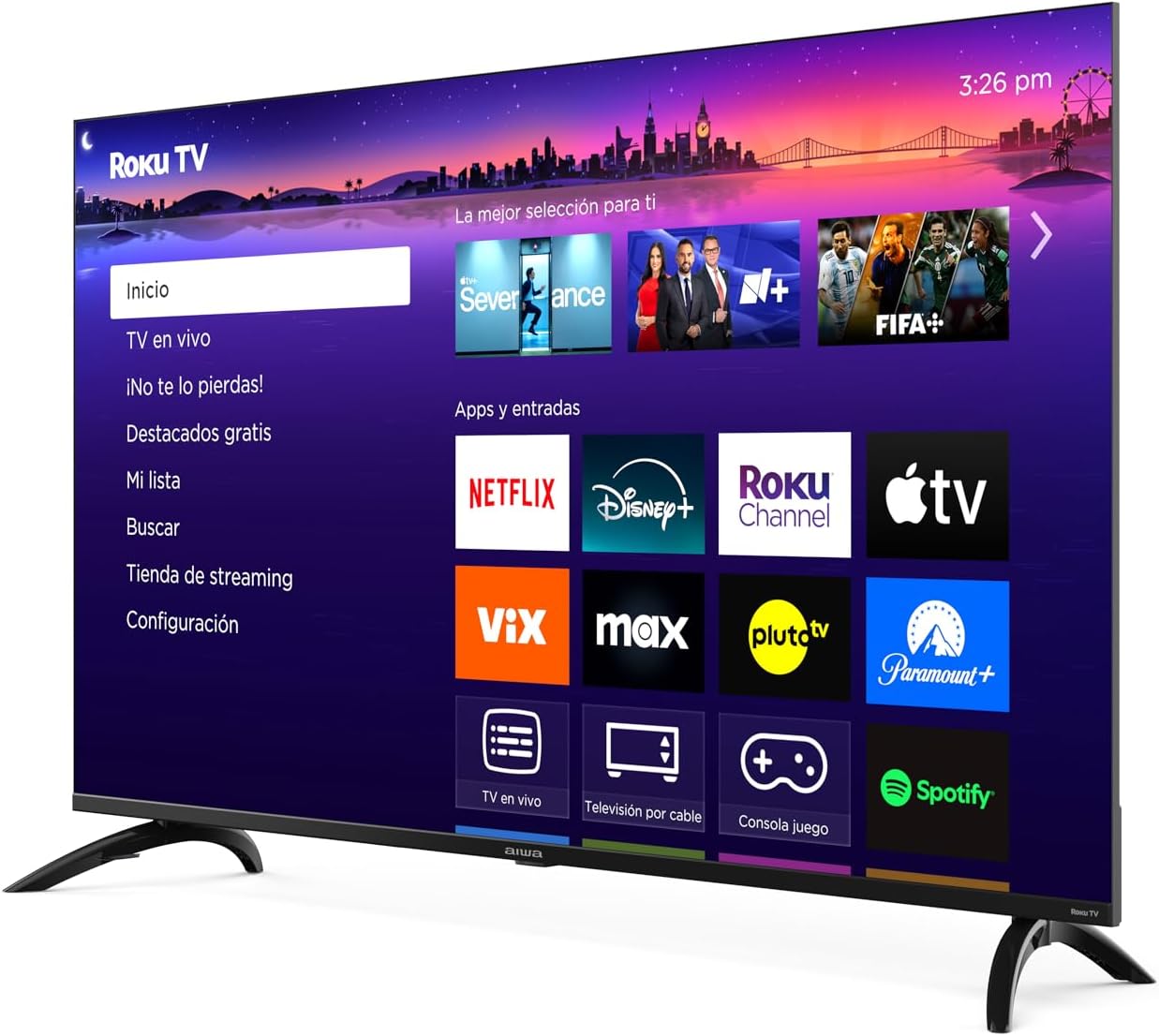
انځور: مخکینۍ برخه view of the Aiwa AW50RKQ 50-inch QLED 4K Ultra HD Roku TV with its stand attached, displaying the Roku TV interface.
3.2 د نښلولو بریښنا
Connect the power cable to the TV's power input and then plug it into a wall outlet. Ensure the power adapter is securely connected if provided separately.
۲.۳ د بهرنیو وسایلو نښلول
Your Aiwa AW50RKQ TV offers various connectivity options:
- HDMI: Connect up to 4 HDMI devices (e.g., Blu-ray player, game console, cable box). One HDMI port supports eARC for enhanced audio return channel functionality.
- USB: Connect a USB drive for media playback.
- Composite A/V: For older devices, use the composite audio/video input.
- نظری ډیجیټل محصول: د ډیجیټل آډیو لپاره د غږ بار یا کور تیاتر سیسټم سره وصل شئ.
- د هیډفون محصول: د شخصي اوریدلو لپاره هیډفونونه وصل کړئ.

انځور: شاته view of the Aiwa AW50RKQ TV, showing the various input and output ports including HDMI, USB, and audio connections.
3.4 Initial Power On and Roku TV Setup
Press the power button on the remote control or the TV. Follow the on-screen instructions to complete the initial setup, including connecting to your Wi-Fi network and activating your Roku account.
4. عملیاتي لارښوونې
4.1 ریموٹ کنټرول
The included remote control provides access to all TV functions. Familiarize yourself with the buttons for power, volume, channel selection, navigation, and dedicated app buttons.
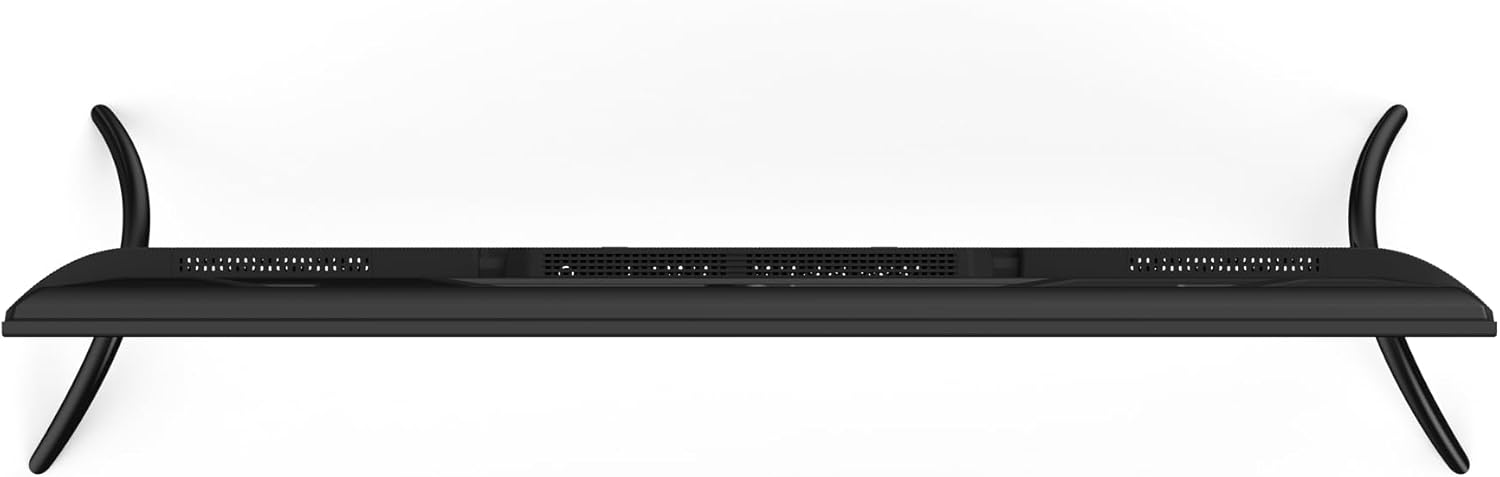
Image: Close-up of the Aiwa AW50RKQ TV remote control, showing its buttons and layout.
۵.۱ د روکو تلویزیون انٹرفیس
The Roku TV operating system provides a simple and fluid navigation experience. From the home screen, you can access:
- د خپرونې چینلونه: Browse and add thousands of free or paid streaming apps.
- ژوندی تلویزیون: Access over-the-air broadcasts via the integrated ATSC tuner.
- معلومات: Switch between connected HDMI and other input sources.
- لټون: Find movies, shows, and actors across various streaming services.
- ترتیبات: انځور، غږ، شبکه، او سیسټم ترتیبات تنظیم کړئ.
4.3 د غږ مرسته
The TV supports a compatible voice assistant for convenient control. Refer to the Roku TV on-screen guide for specific instructions on enabling and using voice commands.
۴. ځانګړتیاوې او مشخصات
5.1 ښکاره کول
- د سکرین اندازه: 50 انچه
- د پینل ډول: QLED
- قرارداد: 3840 x 2160 (4K UHD)
- د اړخ نسبت: 16:9
- روښانتیا: 330 nits (minimum)
- تناسب نسبت: 1200: 1 (عادي)
- Viewزاویه: 178 ° افقي / 178 ° عمودي
- د تازه کولو نرخ: 60 Hz
- د HDR ملاتړ: هو
5.2 آډیو
- د آډیو تولید ځواک: 2 x 10 W
- غږ ټیکنالوژي: دولبي ډیجیټل
5.3 نښلول
- د HDMI داخلونه: ۳ (۱ د eARC سره)
- د USB آله: 1
- Composite A/V Input: هو
- نظری ډیجیټل محصول: هو
- د هیډفون محصول: هو
- د بیسیم اتصال: Wi-Fi 802.11 b/g/n/ac, Bluetooth
5.4 Internal Hardware
- پروسیسر: CPU CA55 x4
- GPU: مالي ۴۵۰ MP3
- رام: 1.5 جي بي
- داخلي ذخیره: 16 GB eMMC
- عملیاتي سیسټم: Roku تلویزیون
5.5 فزیکي ځانګړتیاوې
- Dimensions without Stand: 1118 x 652 x 70 mm
- د موقف سره ابعاد: 1118 x 735 x 210 mm
- وزن: 12.1 کیلو ګرامه
- د بریښنا مصرف: 90 W
- مستحب مصرف: له 0.5 W څخه کم
6. ساتنه
د خپل تلویزیون د اوږد عمر او غوره فعالیت ډاډمن کولو لپاره، د ساتنې دا لارښوونې تعقیب کړئ:
- د سکرین پاکول: د نرم، لینټ نه پاک ټوکر څخه کار واخلئ چې په ځانګړي ډول د برقیاتو لپاره ډیزاین شوی. د کثافاتو پاکونکي یا محلولونه مه کاروئ. په نرمۍ سرهampکه اړتیا وي، ټوکر په اوبو سره ومینځئ او په نرمۍ سره یې ومینځئ.
- د کابینې پاکول: Wipe the TV cabinet with a soft, dry cloth. Avoid using harsh chemicals.
- وینټیلیشن: ډاډ ترلاسه کړئ چې د تلویزیون په شا کې د هوا د جریان دروازې بندې نه دي. د تلویزیون شاوخوا کافي ځای ورکړئ ترڅو د هوا مناسب جریان ولري.
- د بریښنا تار: د بریښنا تار په منظم ډول د کوم زیان لپاره وګورئ. که زیانمن شوی وي، د بدیل لپاره د پیرودونکي ملاتړ سره اړیکه ونیسئ.
- ذخیره کول: که چیرې تلویزیون د اوږدې مودې لپاره ذخیره کوئ، نو له بریښنا څخه یې جلا کړئ او د دوړو څخه د ساتنې لپاره یې پوښ کړئ.
7. ستونزه حل کول
که تاسو په خپل تلویزیون کې ستونزې سره مخ شئ، لاندې عام حلونو ته مراجعه وکړئ:
| ستونزه | احتمالي لامل | د حل لاره |
|---|---|---|
| هیڅ ځواک نشته | Power cable disconnected or no power from outlet. | Ensure power cable is securely connected and the outlet is functional. Try a different outlet. |
| انځور نشته، خو غږ شته | Incorrect input source selected or external device issue. | Press the "Input" button on the remote to select the correct source. Check the external device's power and connections. |
| غږ نشته، خو انځور شته | Volume muted or too low, or audio settings incorrect. | Increase volume. Check if mute is active. Verify audio output settings in the TV menu. |
| د وائی فای سره وصل نشو | Incorrect password, router issue, or TV too far from router. | د وای فای پټنوم دوه ځله وګورئ. خپل روټر بیا پیل کړئ. تلویزیون روټر ته نږدې کړئ یا د وای فای توسیع کونکی وکاروئ. |
| ریموټ کنټرول کار نه کوي | مړه بیټرۍ یا خنډ. | بیټرۍ بدل کړئ. ډاډ ترلاسه کړئ چې د ریموټ او د تلویزیون د IR سینسر ترمنځ هیڅ خنډ نشته. |
For further assistance, please refer to the official Aiwa support webسایټ یا د پیرودونکي خدمت سره اړیکه ونیسئ.
8. تضمین او ملاتړ
Your Aiwa AW50RKQ TV comes with a standard manufacturer's warranty. Please refer to the included warranty card for details on coverage, terms, and conditions. Keep your proof of purchase for warranty claims.
For technical support, service, or additional product information, please visit the official Aiwa website or contact their customer support line. Contact information can typically be found on the warranty card or the manufacturer's webسایټ


